Iconator — Icon Set Maker for iOS, macOS & watchOS
Iconator is a free Mac app that creates app icon sets from one image.
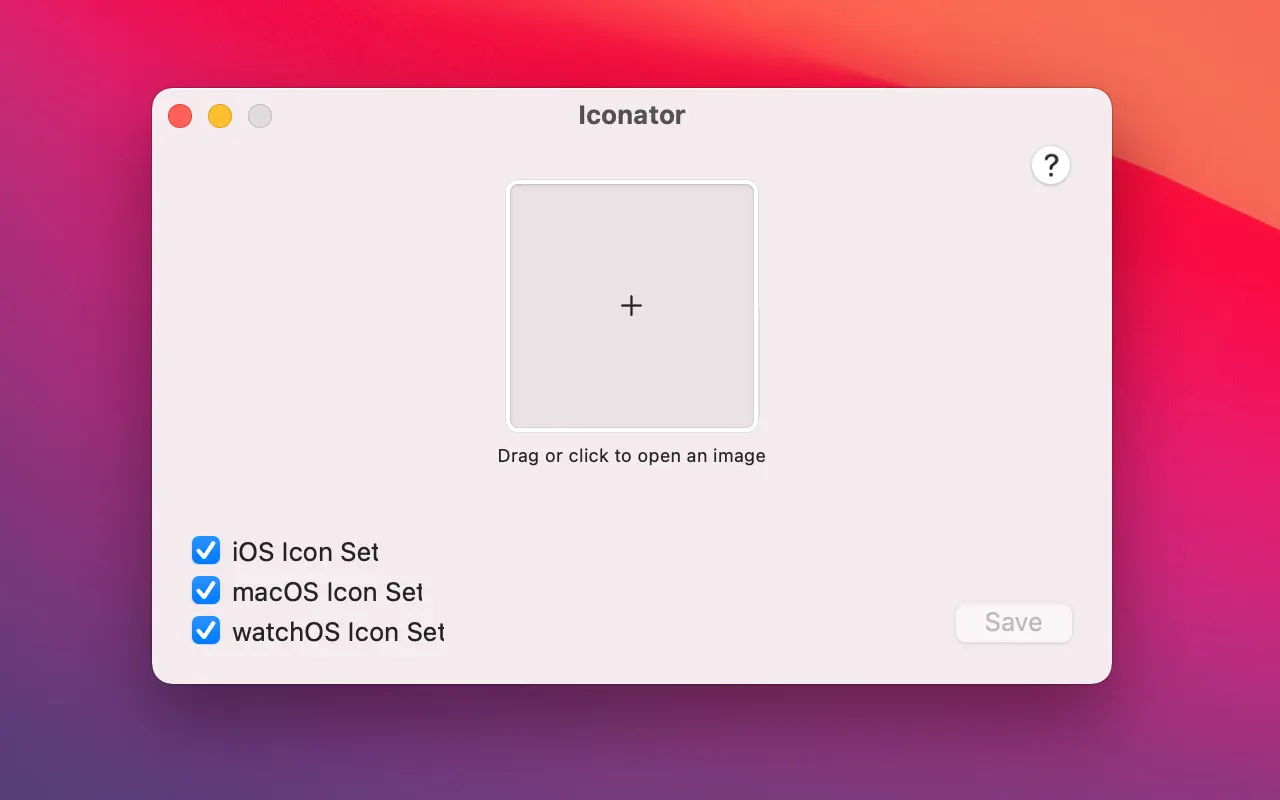
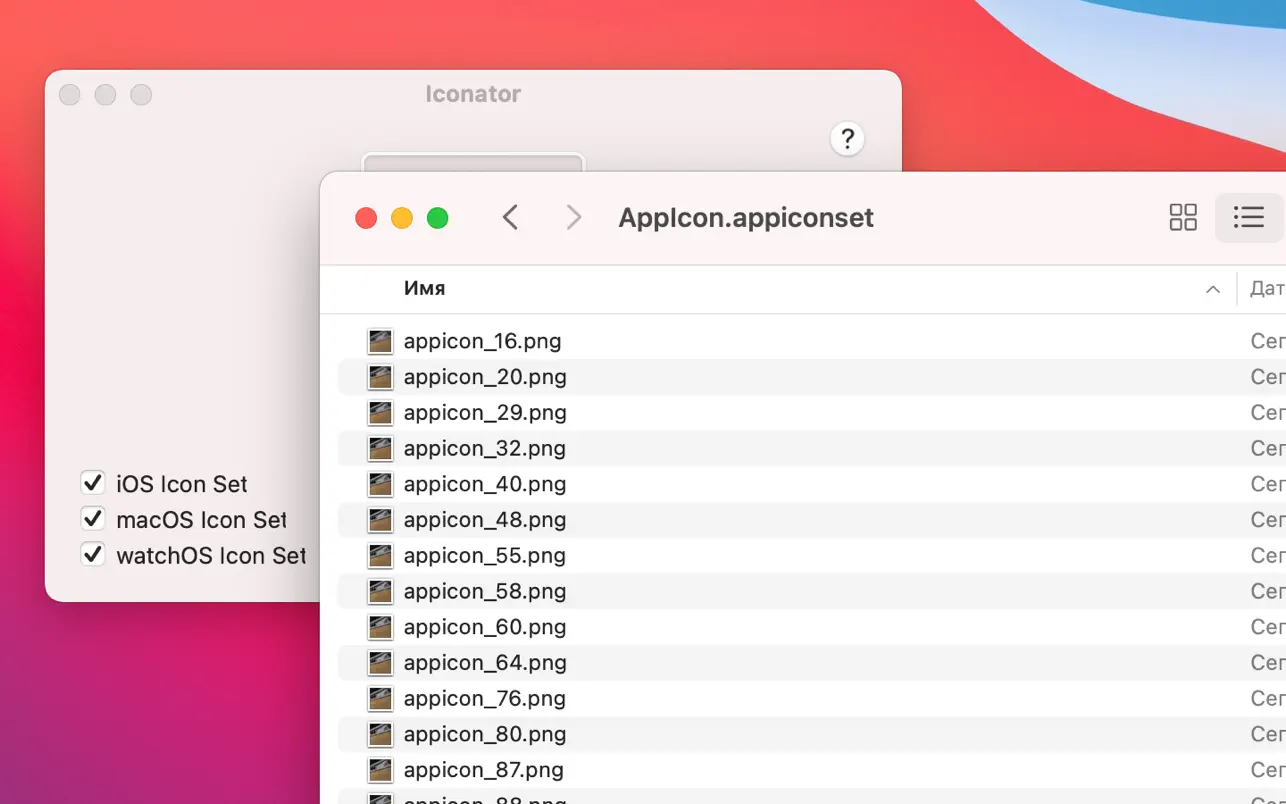
Create icon assets for your apps in seconds. Iconator is a free Mac app that turns a single high-resolution image (ideally 1024×1024 PNG) into a full icon set. Choose iOS, macOS, or watchOS, pick an export folder, and get an Icon Set ready to drop into Xcode—no manual resizing or pixel alignment.
→ Download on the App Store (Mac)
Screenshots
Features
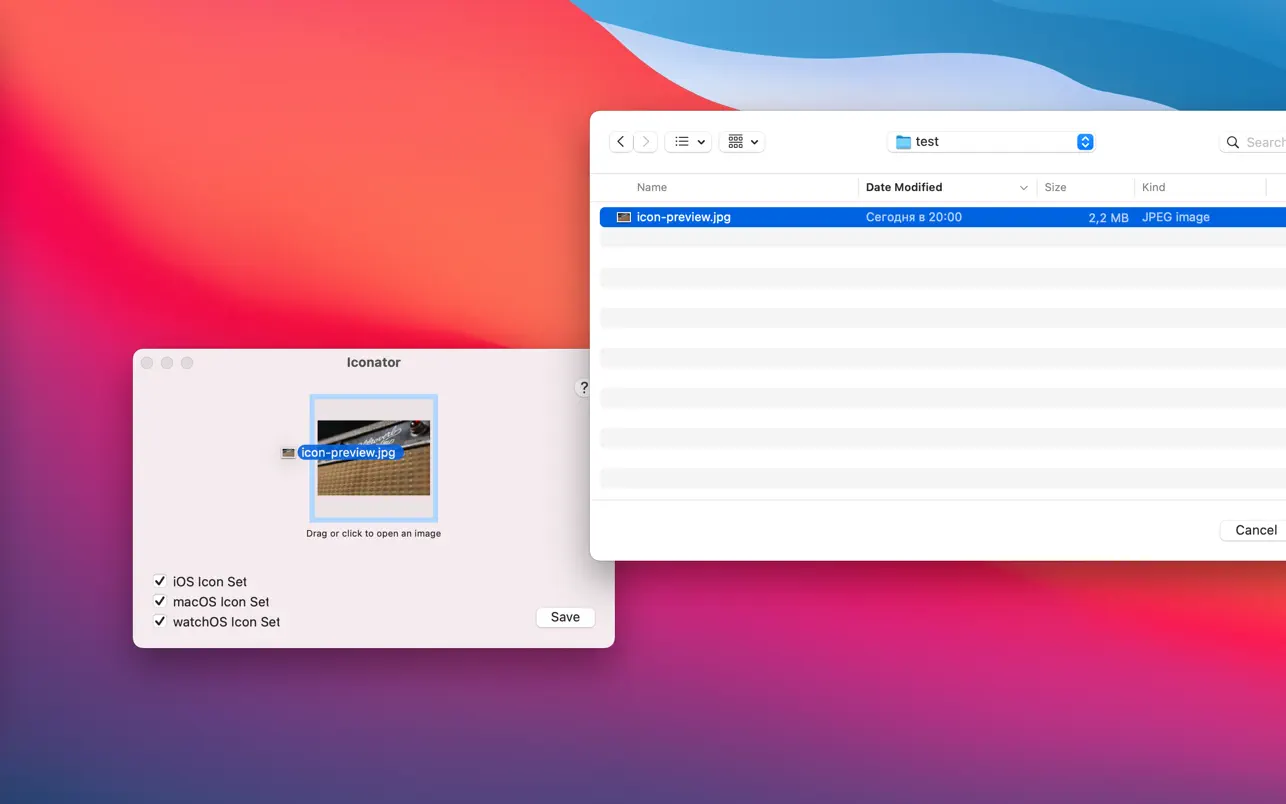
- One image, all sizes — Drag and drop or click to open your artwork (recommended: 1024×1024 PNG). Iconator generates every required size for the platforms you select.
- iOS, macOS, watchOS — Export icon sets for one or more platforms. Each export is a standard Icon Set you can add directly to your Xcode asset catalog.
- Asset catalog ready — Output fits the AppIcon entry in Xcode. No need to manually fill each “bucket” or worry about detail and pixel alignment.
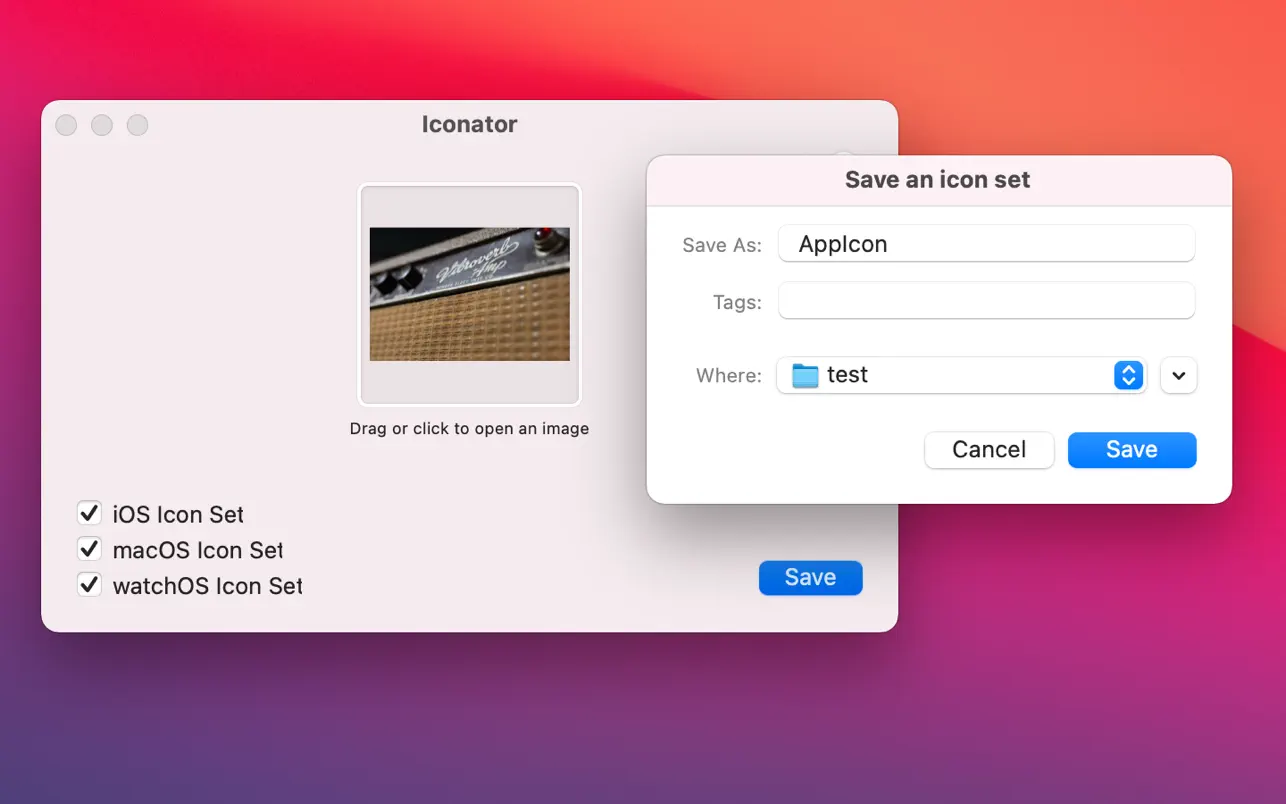
- Simple workflow — Select platforms, choose the export directory, save. Then import the Icon Set into your Xcode project.
The app only accesses files you open or drag into it. No data is collected—everything stays on your Mac.
How to use
- Open an image — Drag and drop onto the app window, or click the image area to choose a file (preferably 1024×1024 PNG).
- Select platforms — Choose which icon sets to export: iOS, macOS, watchOS.
- Save as Icon Set — Pick a folder and export. You get standard Icon Set bundles.
- Import into Xcode — Add the exported Icon Set(s) to your project’s asset catalog.
Availability
| Platform | Mac only (macOS 10.13 or later) |
| Size | 34.5 MB |
| Category | Developer Tools |
| Languages | English |
| Age | 4+ |
| Price | Free |
| Privacy | No data collected; only accesses files you open in the app |
Download and links
- App Store (Mac, US) — Iconator: Icon Set Maker
- Developer website — Iconator
- Privacy policy — Iconator privacy policy
© Aliaksei Saskevich